
Step 1. Open your wins.
On the phone, open Reports and tap the trophy button at the top. On a computer, click Achievements in the top bar.
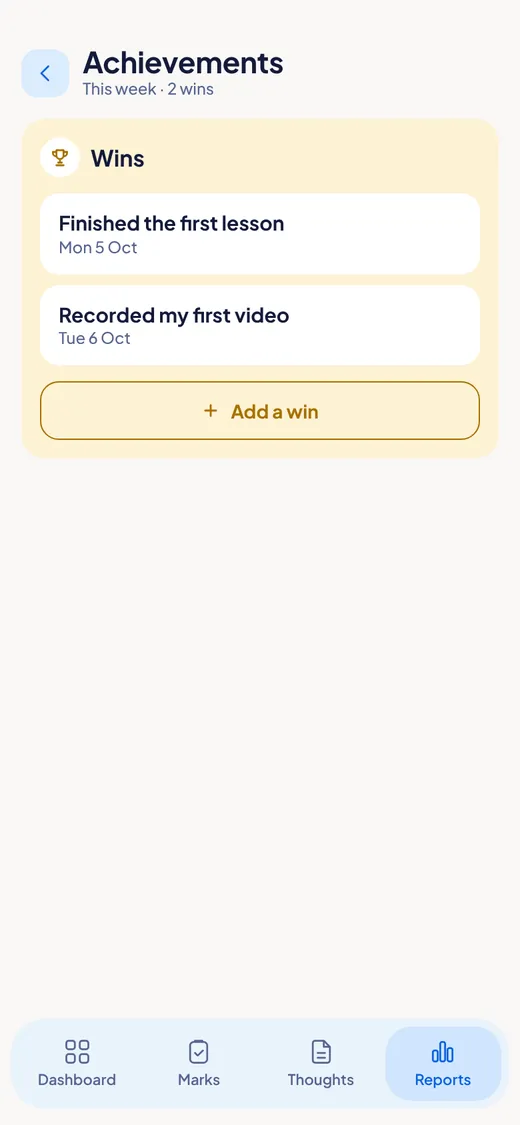
A place for the things you finished. Look back any time.
On the phone, open Reports and tap the trophy button at the top. On a computer, click Achievements in the top bar.
Tap Add a win. Write what you finished. Check the date (it starts on today). Tap Save.

By default you see friendly times like "2 weeks ago". Turn on Show exact date to see the real day.
Next: The widget →
For Windows and Android. Not on iPhone or Mac yet.